
| Sv translation | ||
|---|---|---|
| ||
IntroductionThe WEB role provides the following functionality to the jtel platform.
WEB requires access to STORE, and DATA. The web server is provided by the java based wildfly server, and uses port 8080. The load balancer (LB) is used to distribute sessions to the webserver(s), and to decrypt https if installed. The WEB role runs internally behind the LB role and does not use encryption. Pre-RequisitesSTORE must be |
...
mounted before installing this role. See Mounting STORE - All Linux except for STORE (CentOS8/Win2019). InstallationMySQL ClientInstall the mysql repository for enterprise Linux 8.x and the mysql community client as follows. This disables some default repos which are activated by the base CentOS 8.x installation:
Symbolic Link for StoreSince access to the store is performed using UNC paths, this path must be created and linked to the location of the STORE mount:
This will enable the webserver to access paths like: //acd-store/shared Install Java Runtime
Install WildflyThe following commands will install and configure the wildfly server as a systemd service:
Configure FirewallThe following commands open the necessary ports in the firewall:
SELinux ConfigurationEnforcingIn order that wildfly can run with selinux enabled (enforcing), the following command must be issued:
Changing SELinux ConfigurationIf you would prefer to set selinux off, or set it to permissive, you can edit the following file and reboot:
Configure Wildfly ServerFirst ServerNext, configure the wildfly server to attach to the database servers as appropriate. The 4th line of this series of commands must be modified to contain the password for the database.
|
...
Further ServersIf the configuration file has already been provided on STORE, then the following commands will copy it to the wildfly server.
Configure Hazelcast ClusterThe |
...
First Server
If this is the first hazelcast.xml which is being configured for the installation, then the necessary hosts must be added or removed in the hazelcast.xml file:
...
| Code Block |
|---|
# Edit the file
vi /home/jtel/wildfly-current/standalone/configuration/hazelcast.xml

# Search for this bit (near the top) and modify accordingly
...

            <tcp-ip enabled="true">
                <member>acd-dbm</member>
                <member>acd-jb1</member>
                <member>acd-jb2</member>
                <member>acd-tel1</member>
            </tcp-ip>
...

# Copy the file
cp /home/jtel/wildfly-current/standalone/configuration/hazelcast.xml /home/jtel/shared |
Following Servers
...
hazelcast configuration file is now copied:
Start WildflyStart the webserver as follows:
Whether it is running, can be checked in the webserver log file:
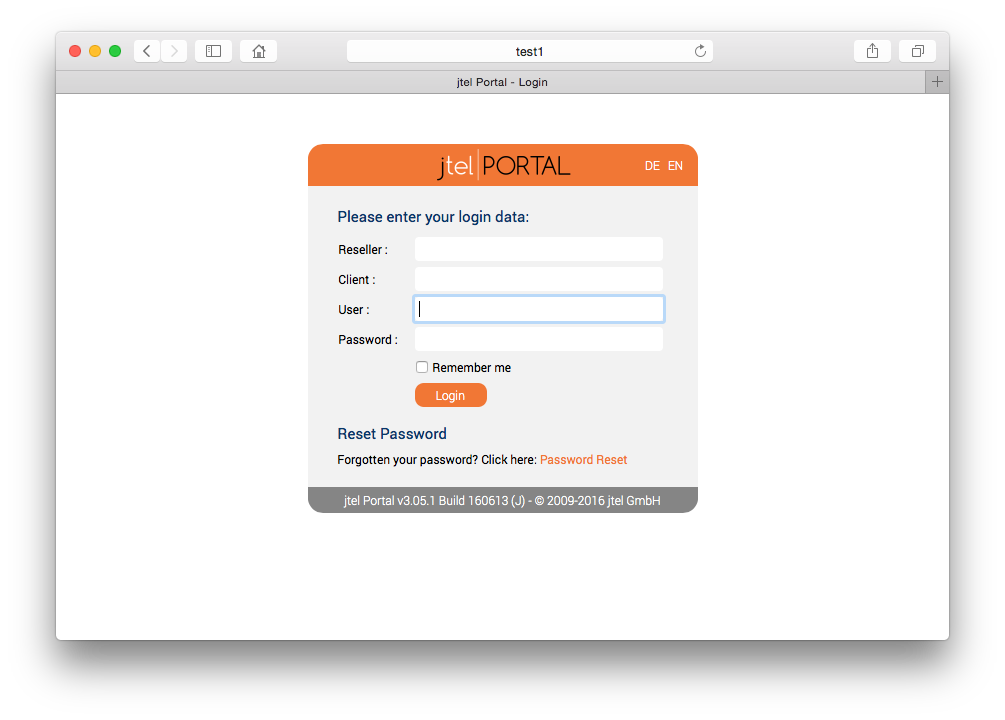
Or by logging into the portal directly on port 8080 using a browser pointing to the following URL:
The login page should appear, with the logo.
|
| Sv translation | ||||||
|---|---|---|---|---|---|---|
| ||||||
|