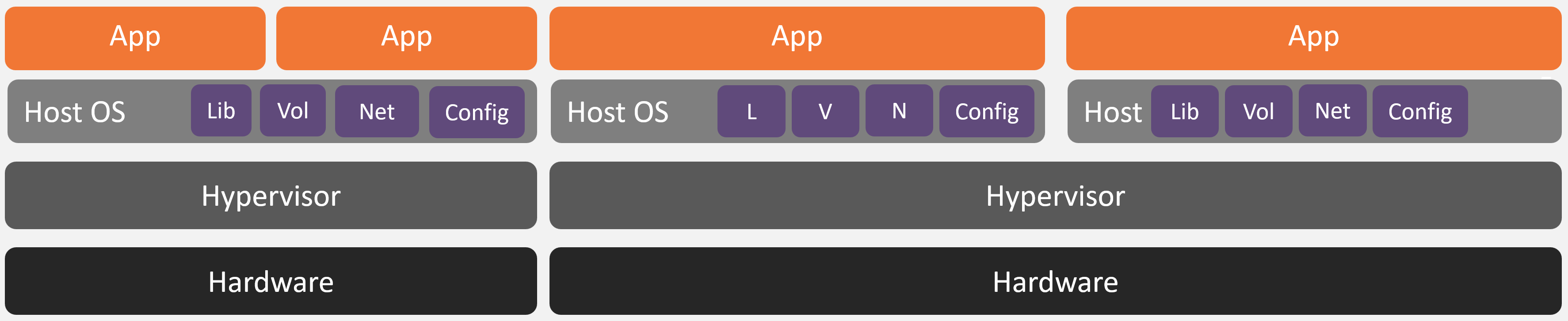
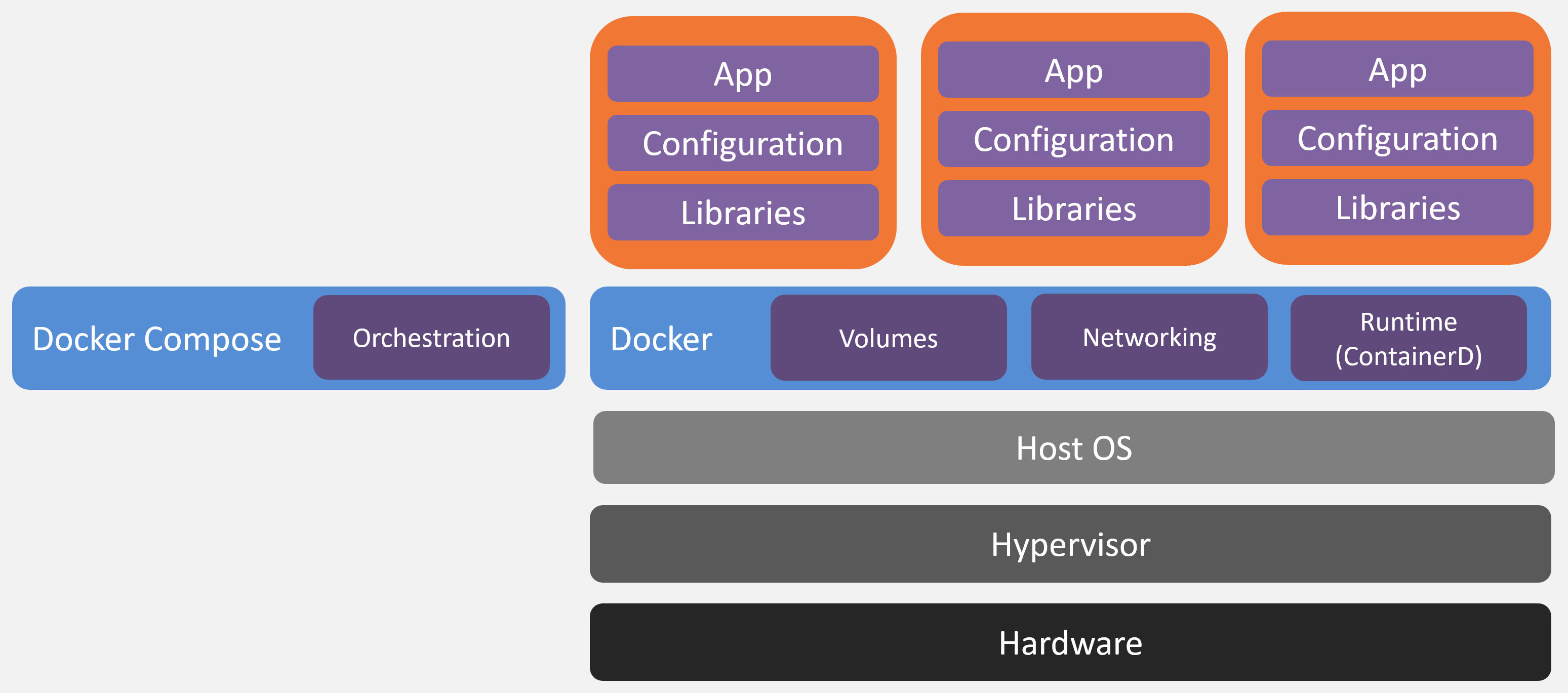
Containers are a way to package an application together with everything it needs to run (runtime, libraries, system tools, config), and execute it in an isolated environment on a shared operating system kernel.
Unlike a virtual machine, a container does not include a full operating system. It runs as a normal process on the host, isolated from the host and the other containers, sharing the single OS kernel from the host.
Disadvantages:
The main difference between container deployments seen in the industry is the orchestration (i.e. what is responsible for starting and stopping the containers amongst other tasks). The jtel container stack uses docker compose.
Advantages:
Our container stack uses the same process for all possible scenarios:
This means, that we effectively test disaster recovery every time a stack is deployed or updated.
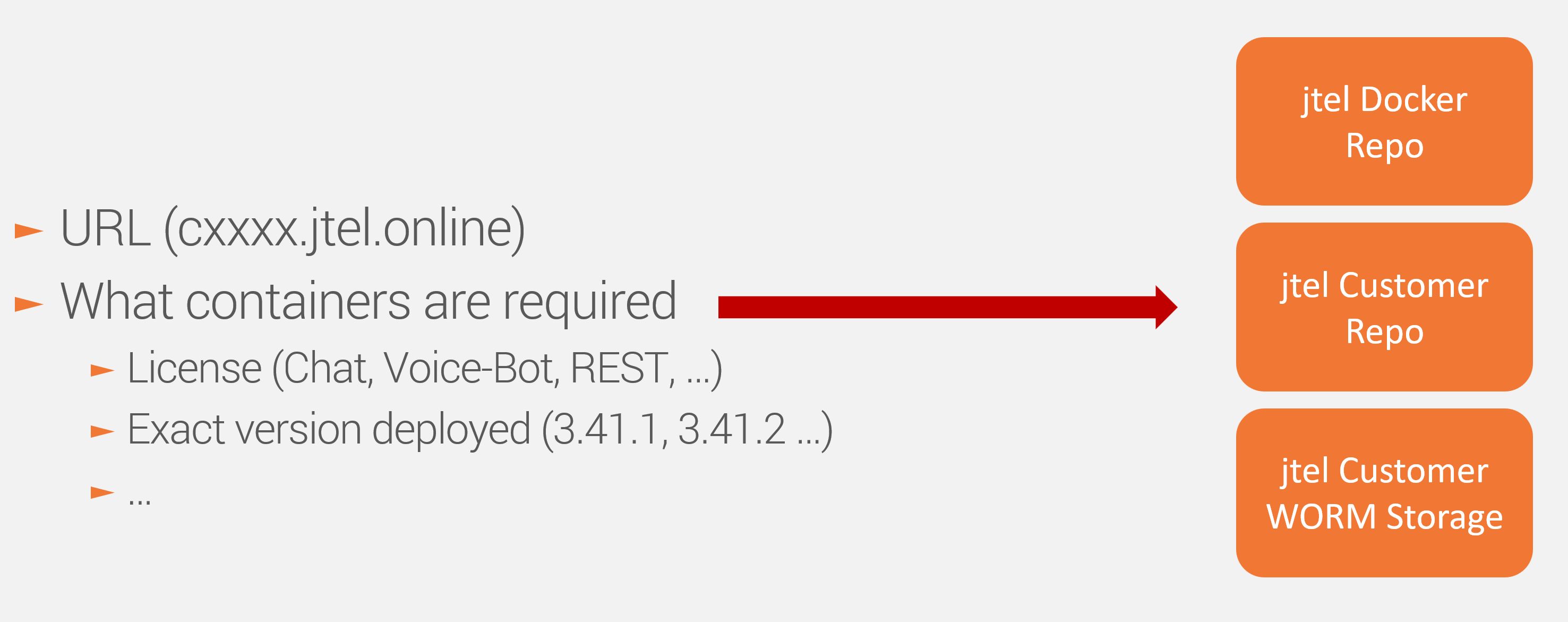
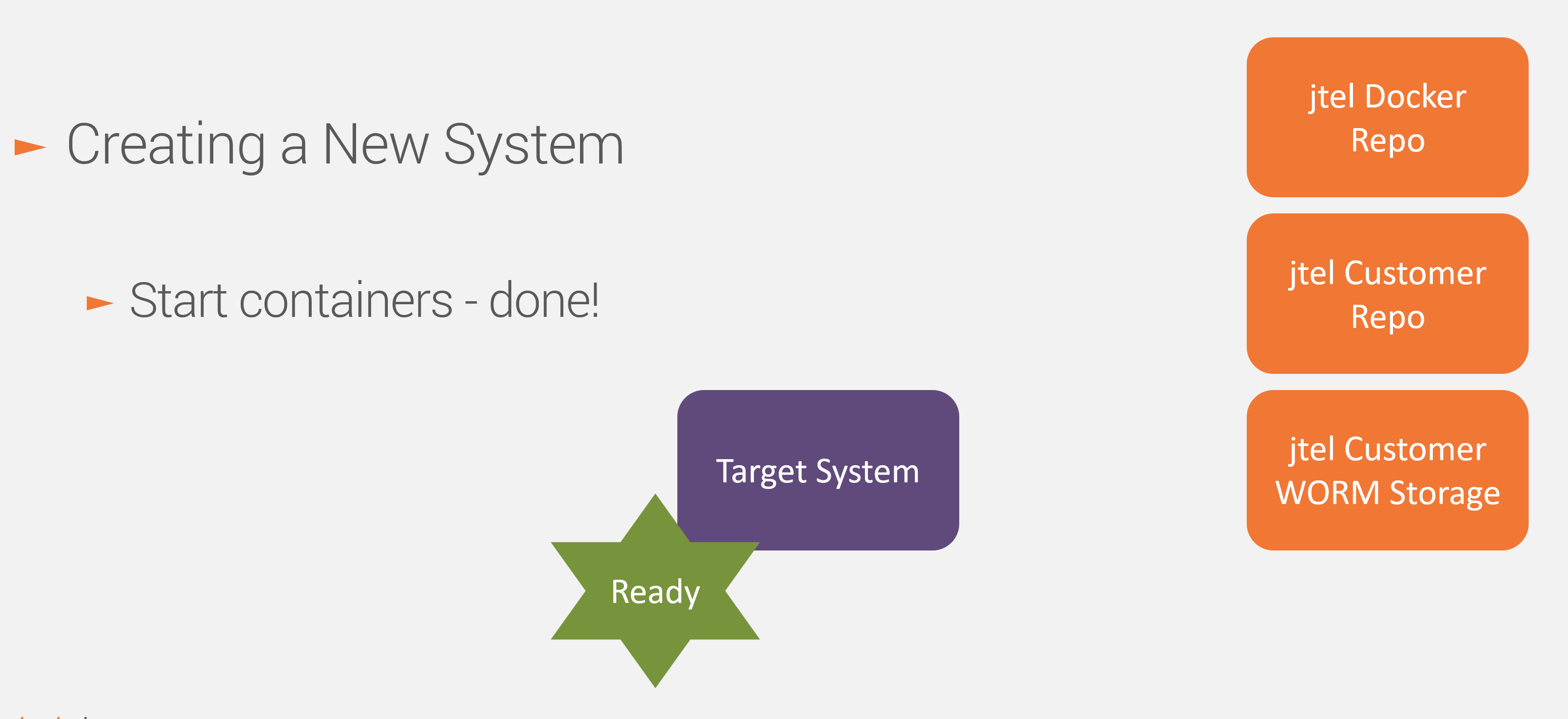
There are four main repositories and storages involved in the jtel Stack Container deployment process:
This is the jtel repository in which all container images are stored. Container images are tagged every time a version is produced, for example:
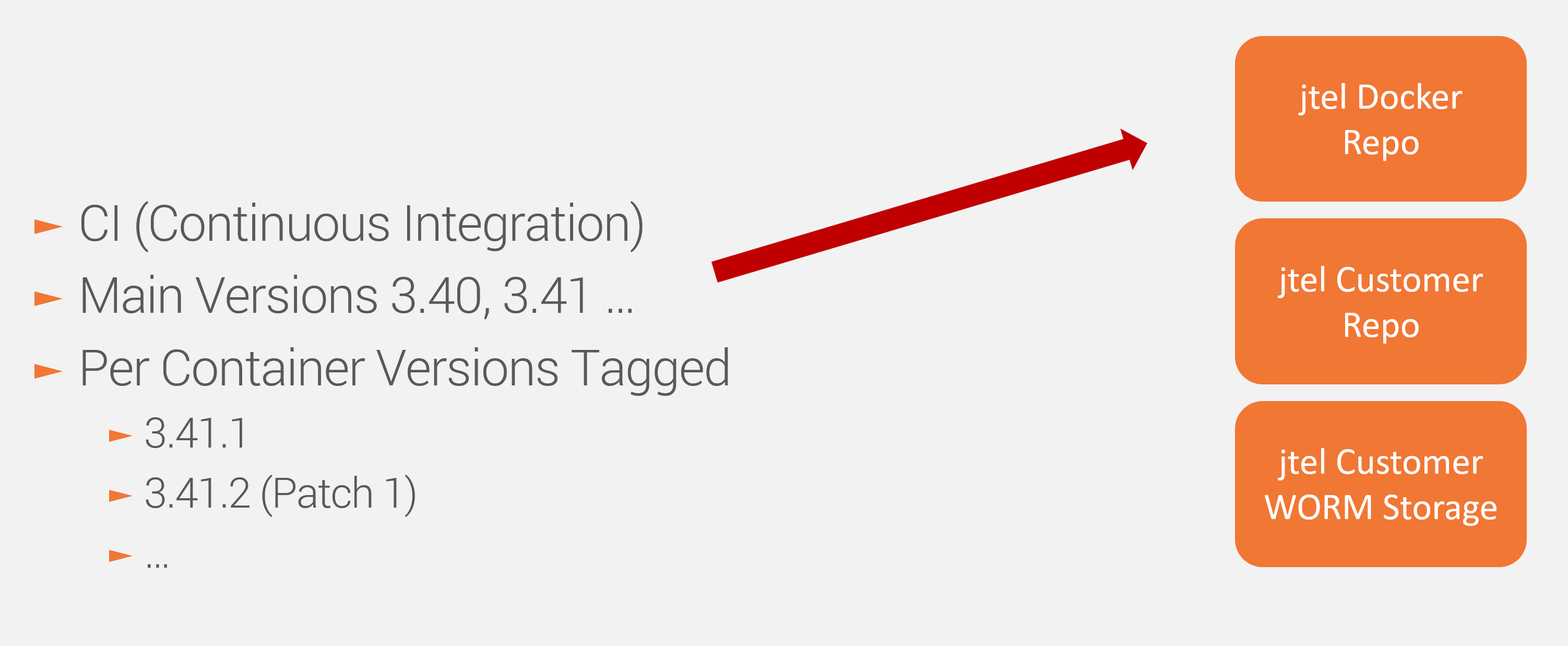
The required images are built automatically built and tagged by the jtel CI Pipeline every time a developer merges a feature to a particular release branch.
This is a customer (jtel container stack instance) specific repository which contains:
Modifications to the jtel Customer Repo are logged, so changes can be tracked easily.
It is possible to go back to a previous incarnation of the stack / installation as needed.
None of the backup scenarios described provide:
If you require retention of call recording audio files or voice recordings, then you must provide an FTP storage to which call recordings and voice recordings will be uploaded. Detailled call and process logs are not be backed up in any scenario. |
This applies only for jtel Cloud SaaS systems. For On Premise installations, the backups are stored and maintained by the customer. See below. |
The system makes a backup to WORM storage (Write Once Read Many times) which is hosted by jtel in Azure (Geo Location: Germany West). The backup is created once a day at 02:00.
The backup is a content based backup which allows for re-creation of the same container stack on any suitable host.
The retention policies ensure that:
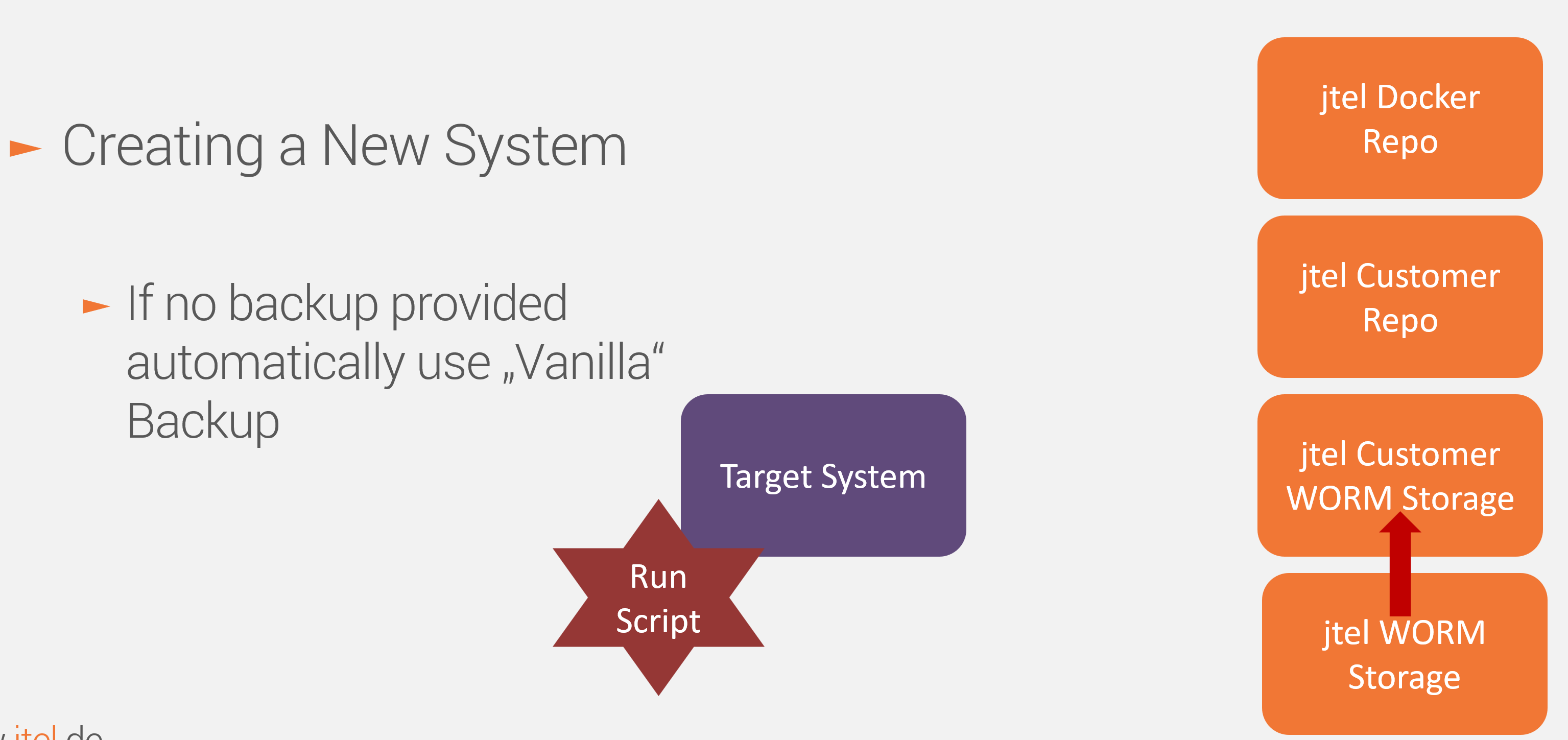
For initial stack setup, a vanilla backup provided from the jtel WORM Storage is used.
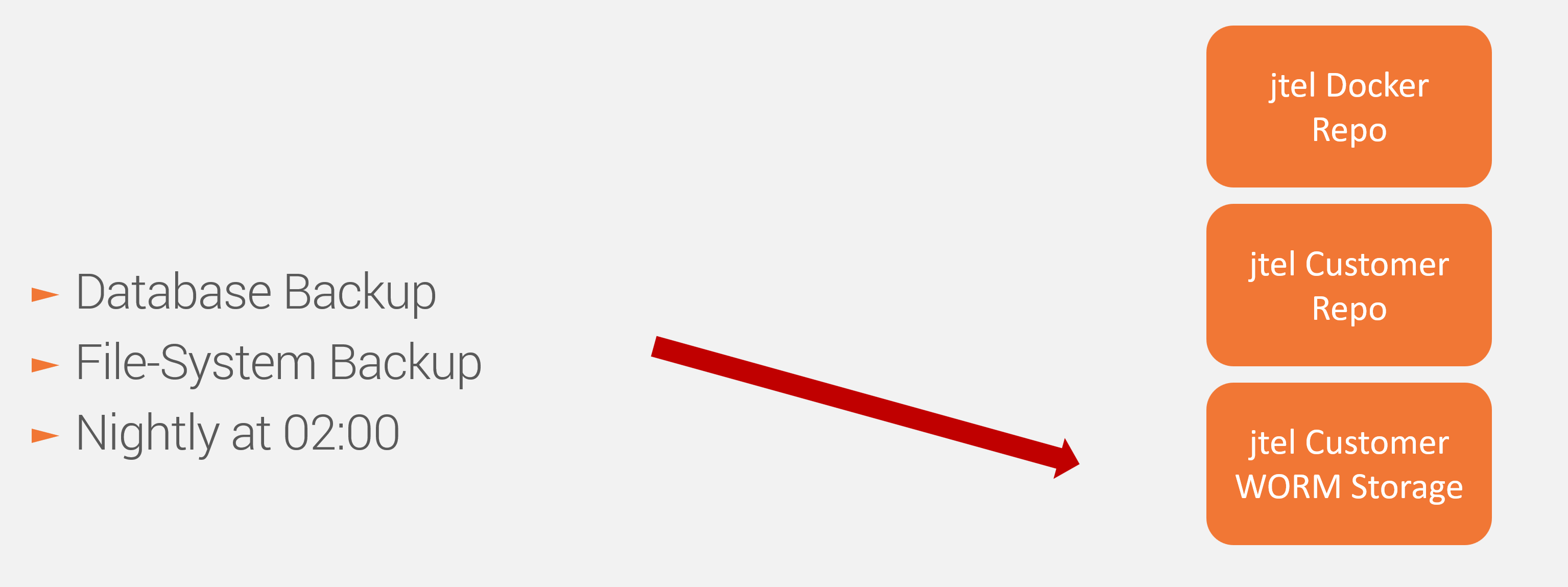
The backups from a running system are made nightly, automatically, by the acd-task-runner container.
Each WORM storage is a specific storage instance housed in a customer specific storage account and is used for one customer only. It has it's own unique access credentials and endpoint providing a very high level of security. The upload is done via rclone command Networking related information here Cloud jtel Container Stack - Networking Cloud OnPrem |
This immutable storage contains version specific files and data stored for specific releases. These files are required and copied to the customer specific storage when an initial (empty) installation is made or when an update to a new release is performed.
The jtel CI Process uploads new files and data here automatically from the build process.
This applies only for jtel Cloud SaaS systems. For On Premise installations, the backups are stored and maintained by the customer. See below. |
For On Premise installations, the customer provides jtel with a fileshare accessible to the container system on the network (SMB or NFS). The jtel Container System mounts this fileshare in the Container stack.
Automatic backups are created once a day at 02:00.
The backup is a content based backup which allows for re-creation of the container stack on a suitable host.
For initial stack setup, a vanilla backup provided from jtel is used.
The customer is responsible for implementing suitable backup retention periods. |
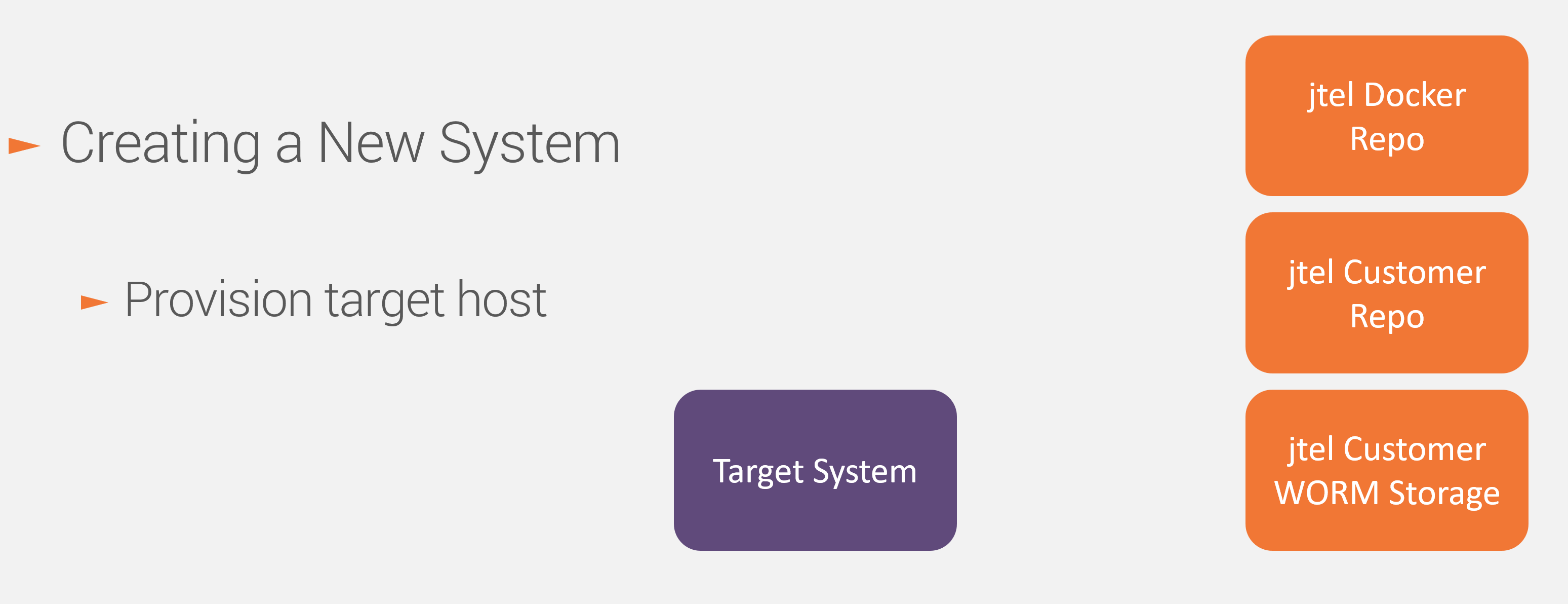
The target host is created. This will usually be a operation which a DevOps person will trigger manually.
The system configuration is entered to the customer repo according to what is ordered. This step will be manually completed.
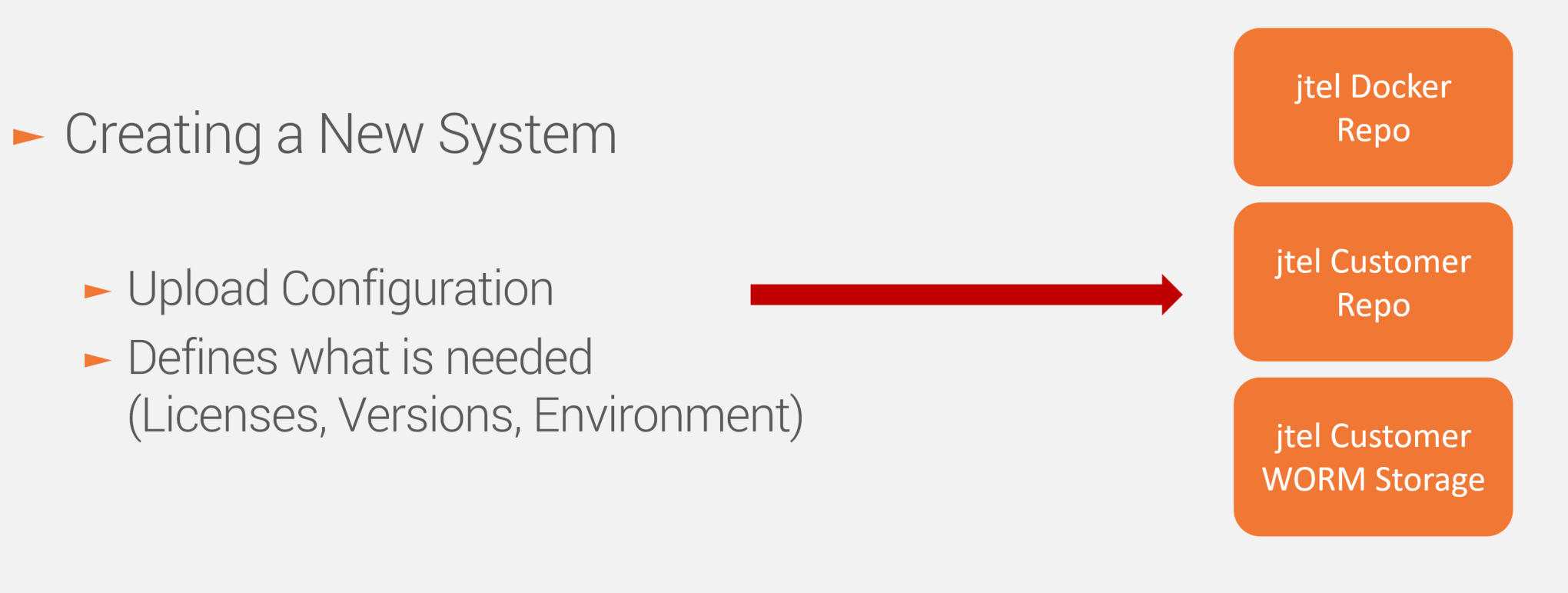
This defines:
This is a one-liner which can be run from the DevOps machine remotely via SSH (assuming SSH access is available) or directly on the container host itself.
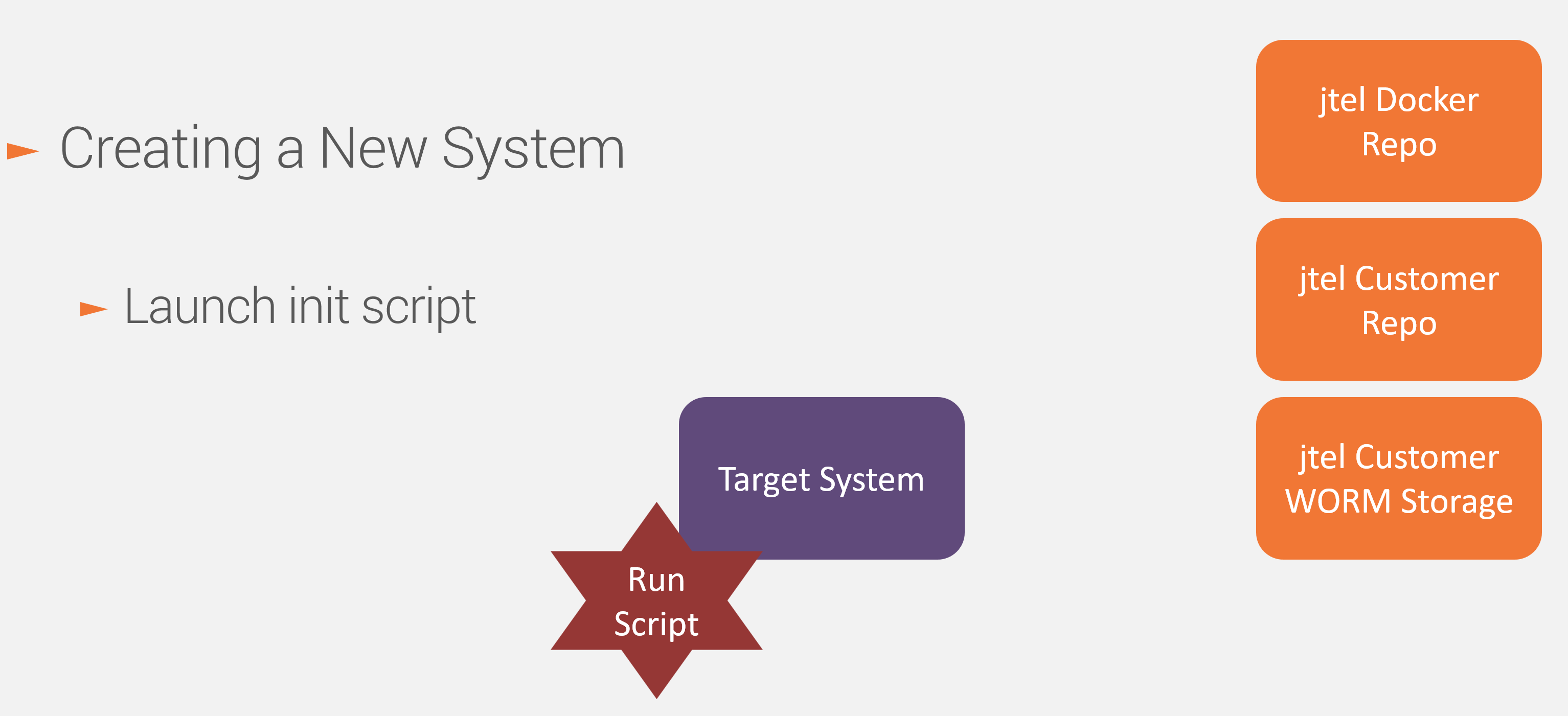
If a backup is not already provided (which is the case for new systems), then the init script copies retrieves the vanilla backup to the customer WORM storage.
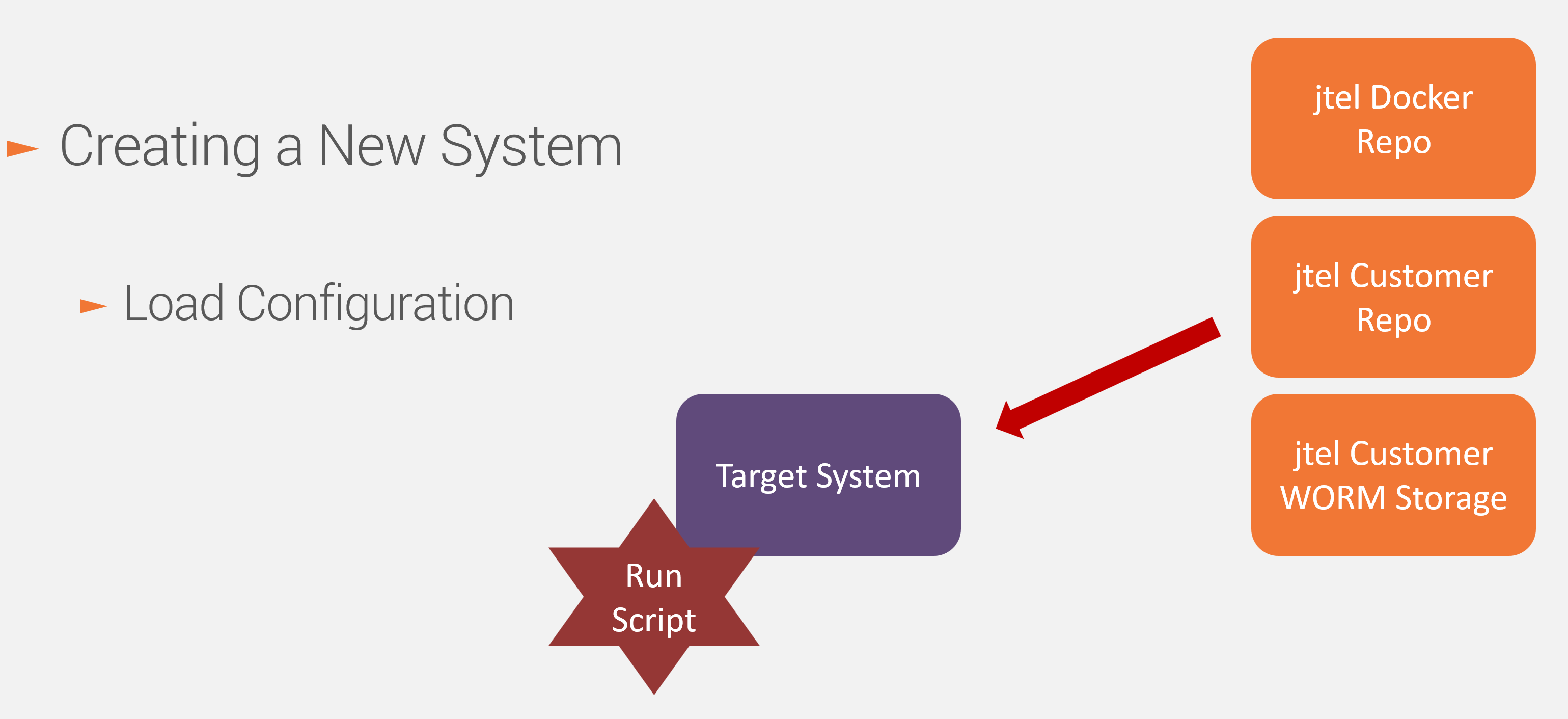
The system automatically loads the configuration from the customer repo. The host will be configured at this stage to match certain settins, such as DNS.
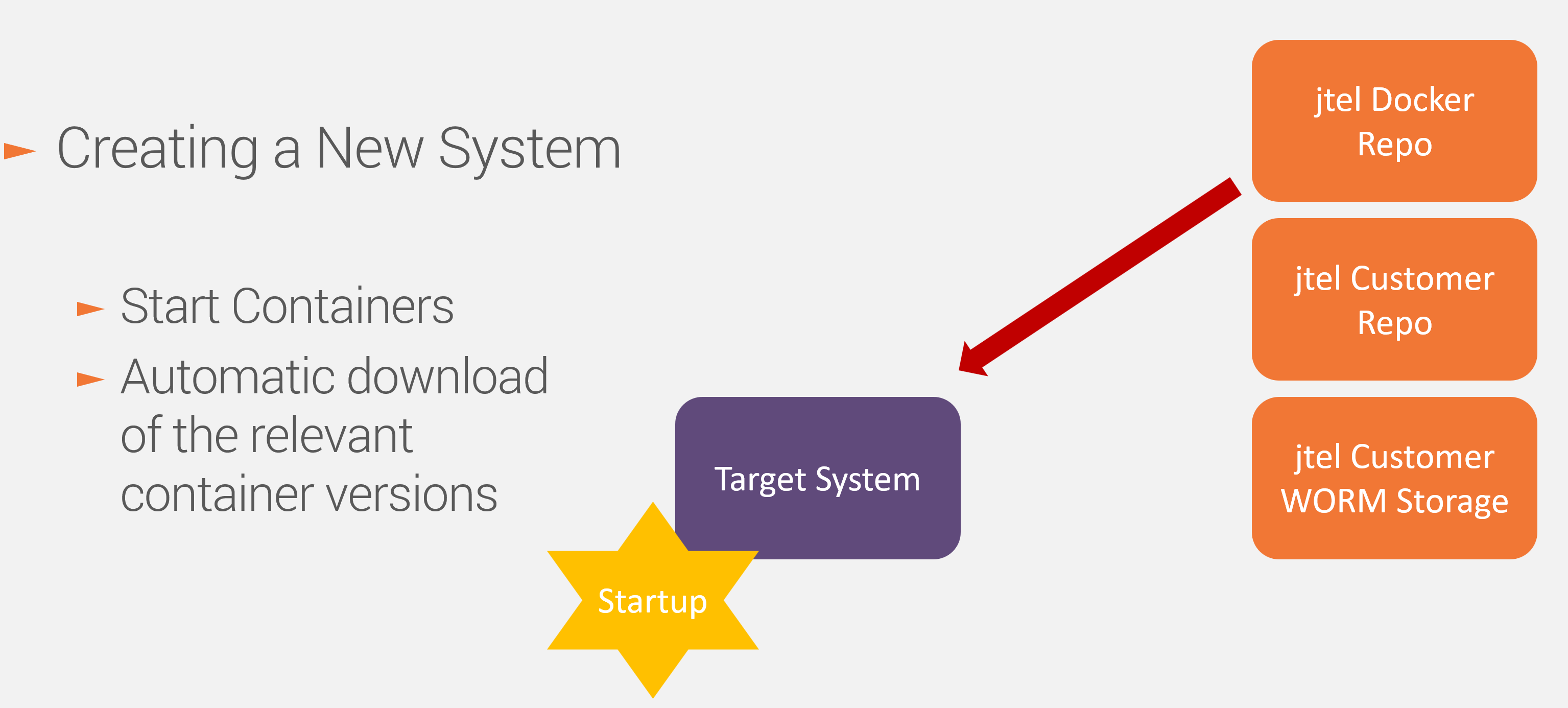
This is a one liner. The containers will automatically be downloaded in the correct version.
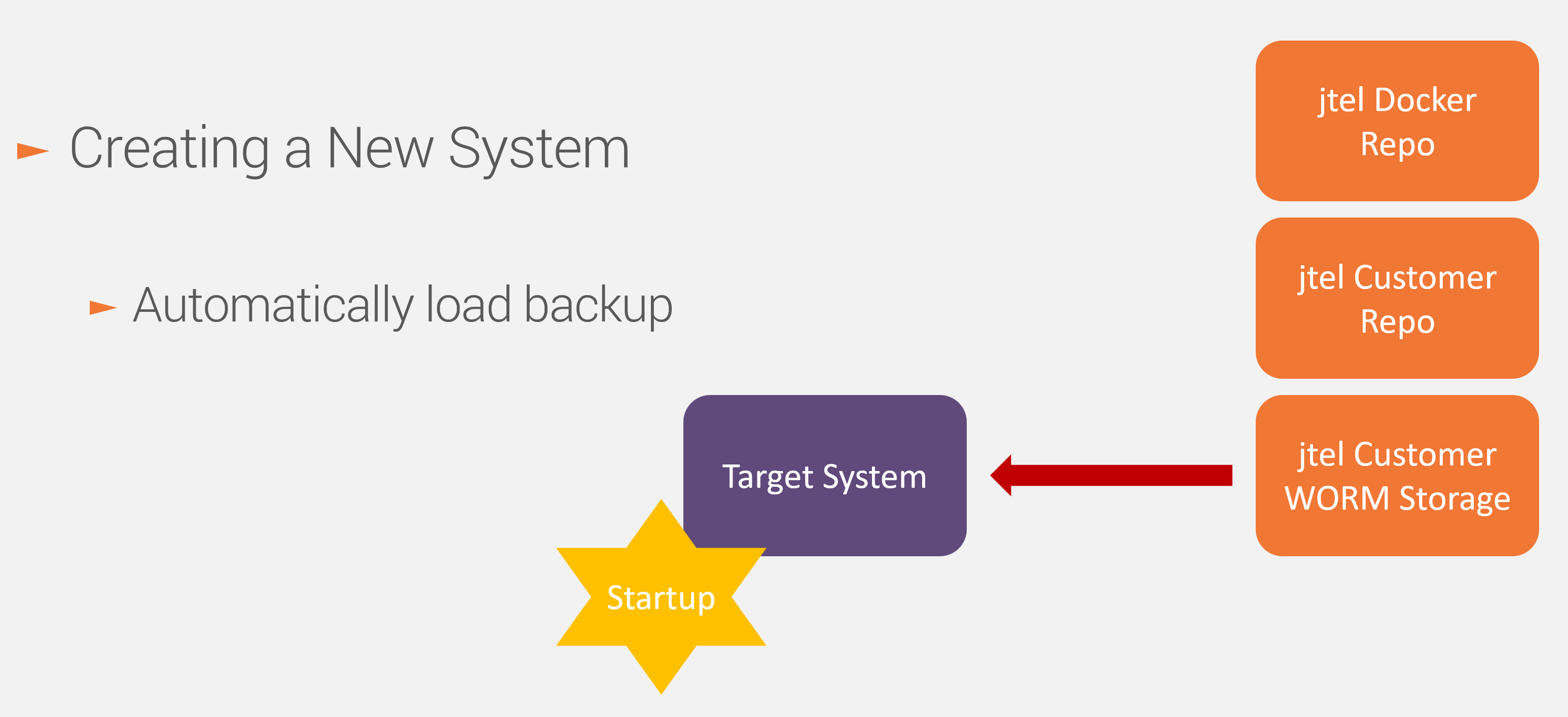
The system loads the backup into the database and file system automatically if it is empty.
The containers are started up and these automatically perform any updates necessary (for example to the database) required by the selected version and patch release.
Updating a system in place requires the following steps:
The same procedure is used for all of the following use cases:
This requires the following steps: